
Crystafy / The design guide
How to design
your bracelet.
No jewelry-making experience needed. Our design studio walks you through it — most people create a bracelet they love in just a few minutes.
Four steps to your bracelet.
An idea, made personal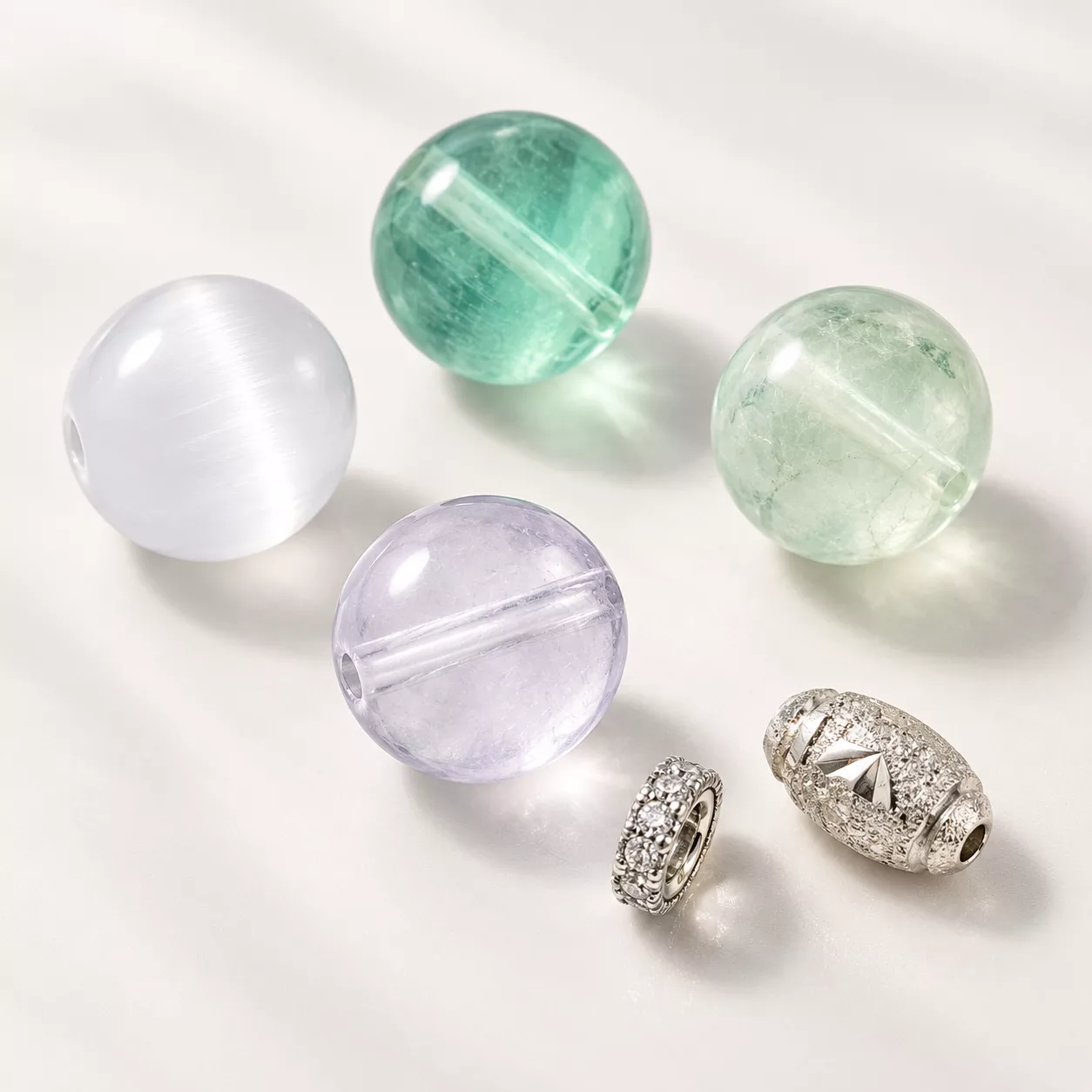
01 / Begin
Choose your
starting point.
Open the design studio and begin with the beads and style you love — or choose a bracelet from our Design Gallery and make it yours.
A blank canvas or a ready-made idea. Both lead to a design that feels like you.
Find a design to start with ↗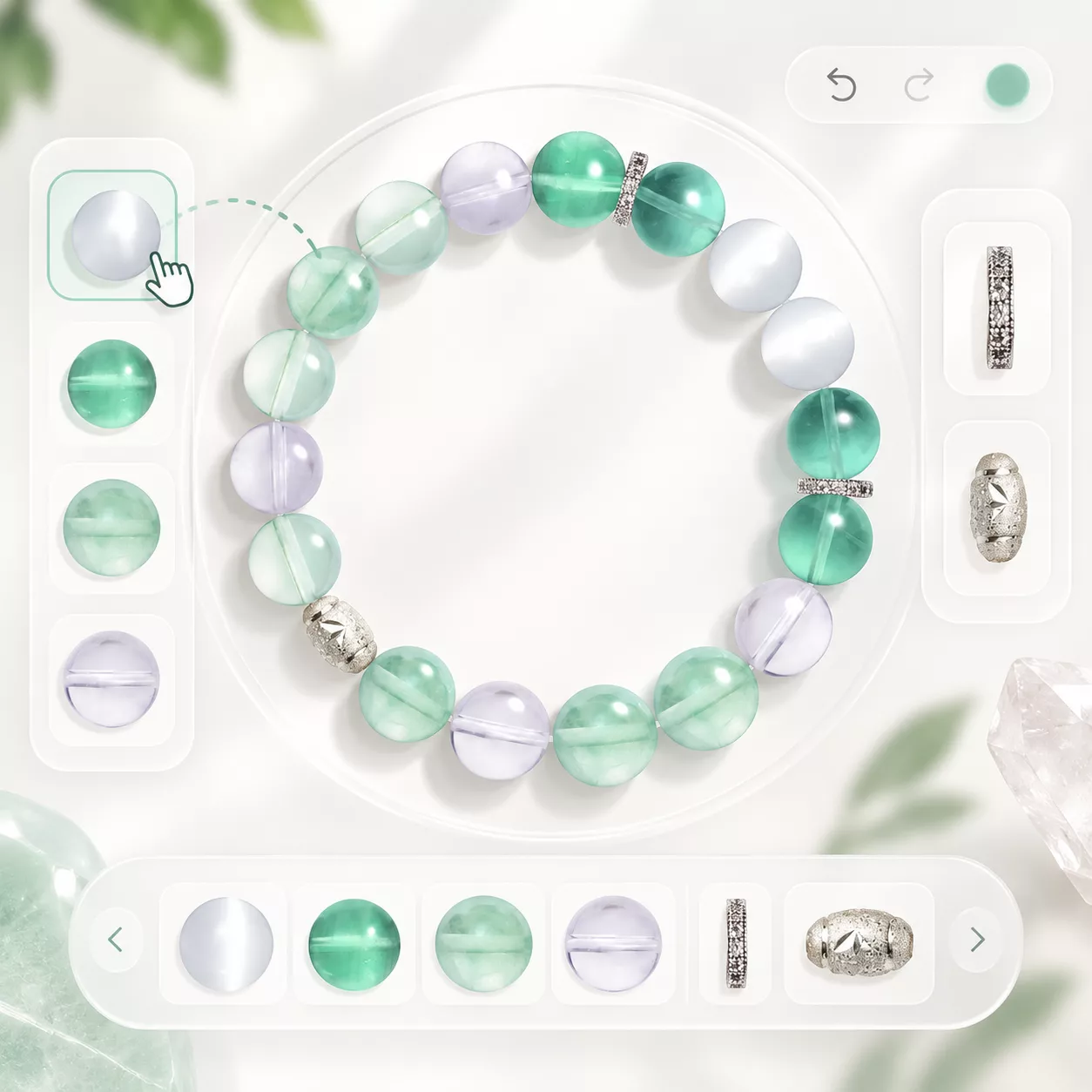
02 / Make it yours
Add beads
& charms.
Browse the catalog by color or stone. Tap to add beads, spacers, and charms, and drag to arrange them.
Build around a feeling or intention. Change the order until the balance feels right.
Open the studio ↗Your size.
Measure. Compare. Adjust.
Use the size estimate shown in the studio.03 / Find your fit
Check your size.
Choose the right fit for your wrist before you order. Measure your wrist, then compare it with the studio’s wrist-size estimate.
The estimate changes as you add or remove beads. Adjust your design and check it again before finalizing.
Read the Size Guide ↓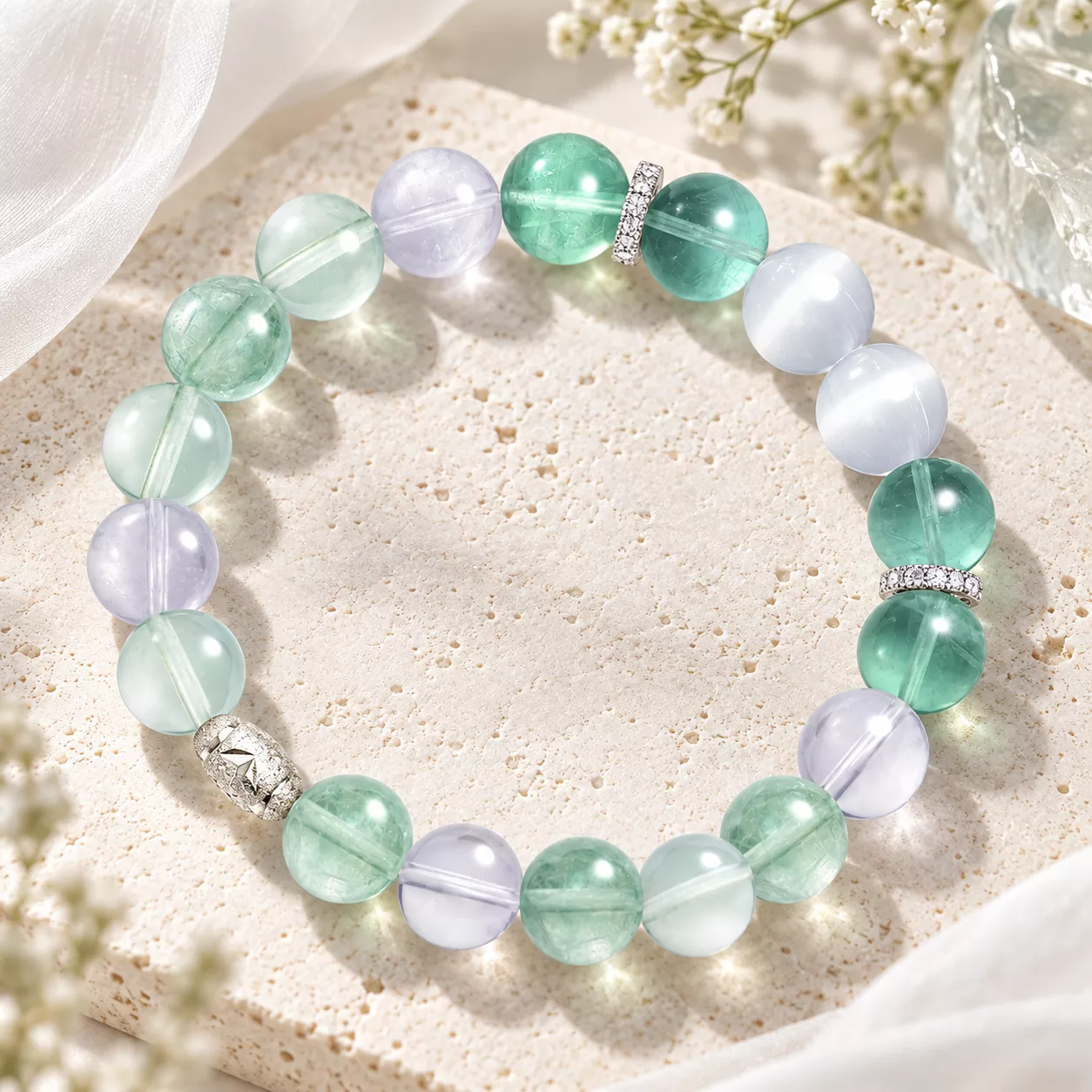
04 / From design to bracelet
Save & order.
Happy with it? Save your design to revisit later, or add it straight to your cart.
Choose Save for a draft on this device. Choose Finalize to send your bracelet to the shopping bag, review your design, and continue to checkout.
Open the studio ↗A little inspiration
Need a starting point?
You don't have to start from a blank wrist. Browse the Design Gallery, find a design you love, and clone it — then make it yours.
Notes from the studio
Tips for a design
you'll love.
- Build around a feeling.
Pick a focal stone that means something, then design outward from it.
- Mix bead sizes.
Alternating larger and smaller beads gives a design rhythm and movement.
- Choose your palette on purpose.
Tonal palettes feel calm and refined; high-contrast palettes feel bold. Both work — just decide which you want.
- Leave room for a hero.
One standout charm or stone says more than several accents competing for attention.
Before you begin
Designing
questions.
Can I save my design and come back later?
Yes — save your design and reopen it whenever you're ready. You can save without an account on the device you're using. Saved drafts are kept in this browser; use the same browser and device to reopen them. Signing in does not currently sync these drafts to another device.
Can I edit a Gallery design before ordering?
Yes. Clone any design from the Design Gallery and change the beads, charms, or size before you order.
How do I pick my size?
Measure around your wrist with a flexible tape, or use a strip of paper and a ruler. Compare your measurement with the wrist-size estimate in the studio. Add or remove beads to adjust the fit, then review the estimate before ordering. If you are unsure, contact our team before placing your order.
What can I choose from?
Genuine gemstone, glass, lava, and spacer beads, plus charms and accents. Explore the Materials in the studio and check the individual product information for the beads you choose.
Ready to make it yours?
Open the studio and start with a single bead — or a whole design from the Gallery.